
Cloudways is a very affordable, managed, multi-cloud hosting platform for PHP sites (notably WordPress). In this article, we’ll explore why it stands out and walk you through the setup process.
Why I Recommend Cloudways for Managed WordPress Hosting
Many bloggers start on shared hosts like Bluehost or SiteGround but often outgrow them. Cloudways combines managed services with cloud infrastructure, allowing you to scale seamlessly and maintain control over advanced settings like wp-config.php.
What is Cloudways?
Cloudways is a managed cloud hosting platform offering affordable plans starting at $10/month. It handles server administration—such as monitoring, updates, and live chat support—while giving you access to major cloud providers like DigitalOcean, AWS, or Google Cloud.
Why Use Cloudways?
Unlike many managed WordPress hosts that restrict advanced file access, Cloudways lets developers customize configurations directly. You still get features like one-click HTTPS redirection and automatic backups, without being locked out of core files.
Create an Account and Install WordPress
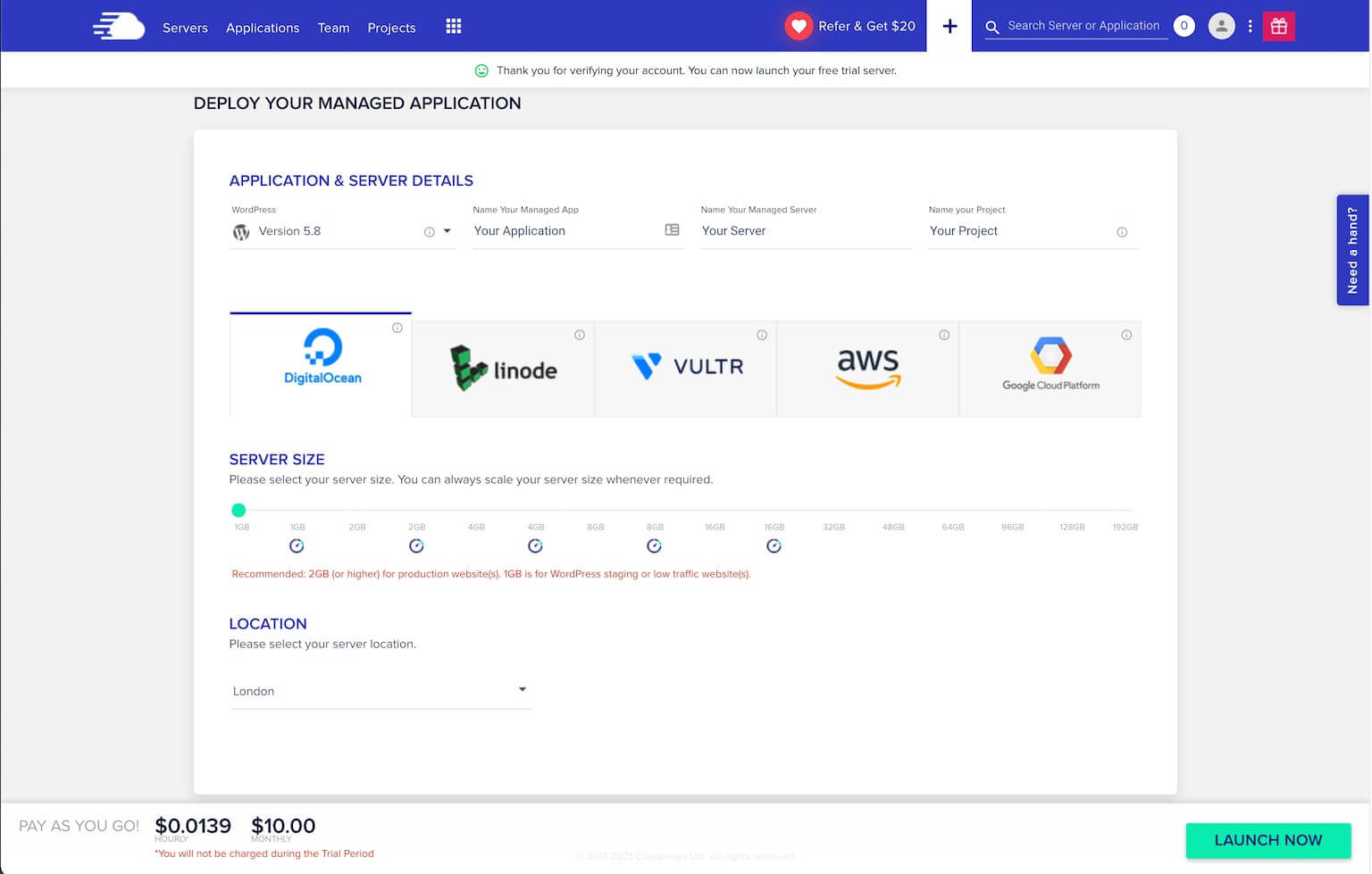
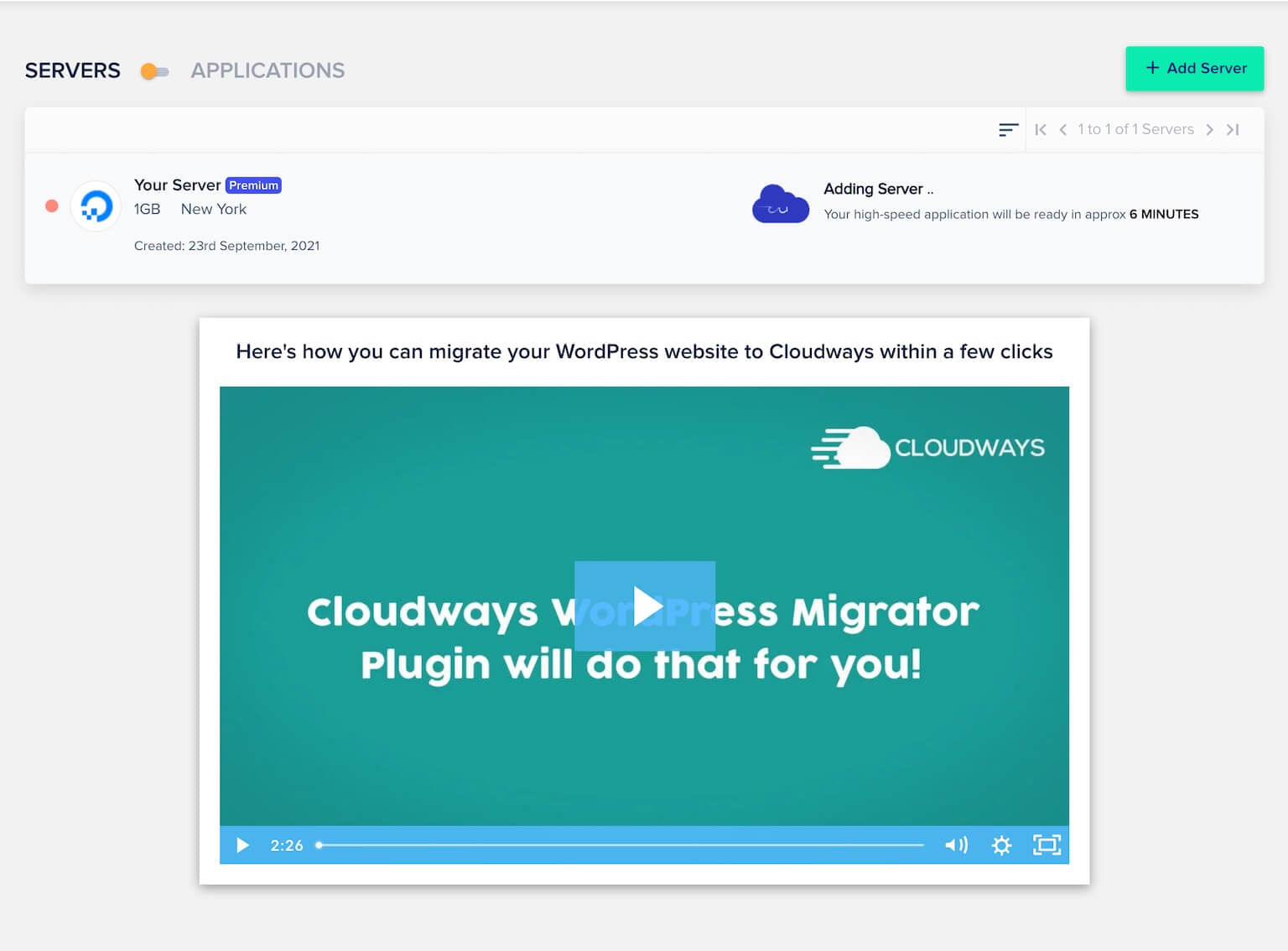
Visit the Cloudways website and start your free 3-day trial. Select WordPress, name your app and server, choose a cloud provider (e.g., DigitalOcean), and launch your server.
Transferring Your Site
You can migrate an existing site using the free WordPress Migrator plugin or request a free migration when you upgrade to a paid plan.
- Use the WordPress Migrator plugin to transfer your site yourself.
- Upgrade after your trial and let Cloudways handle migration for you.
Server Management
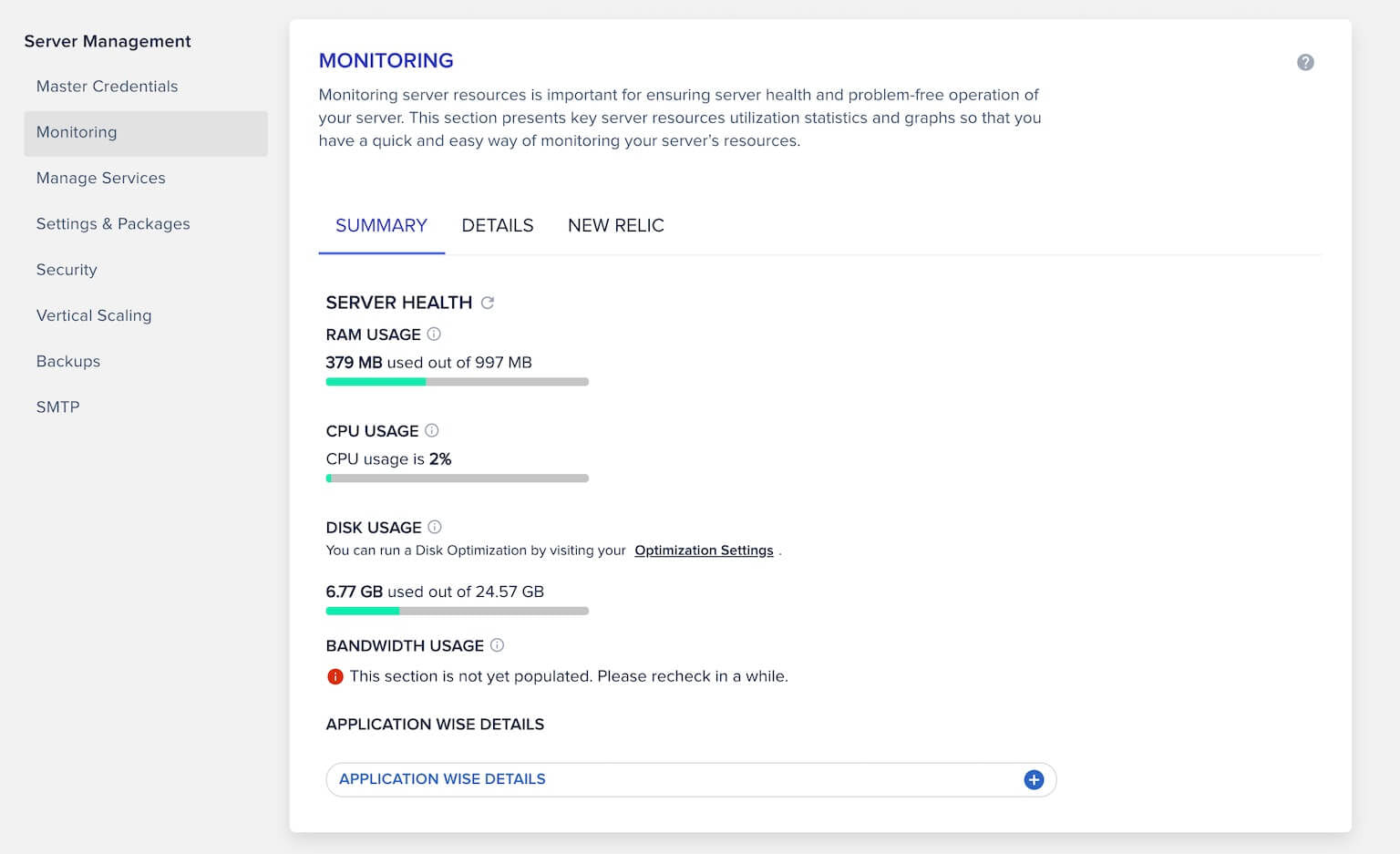
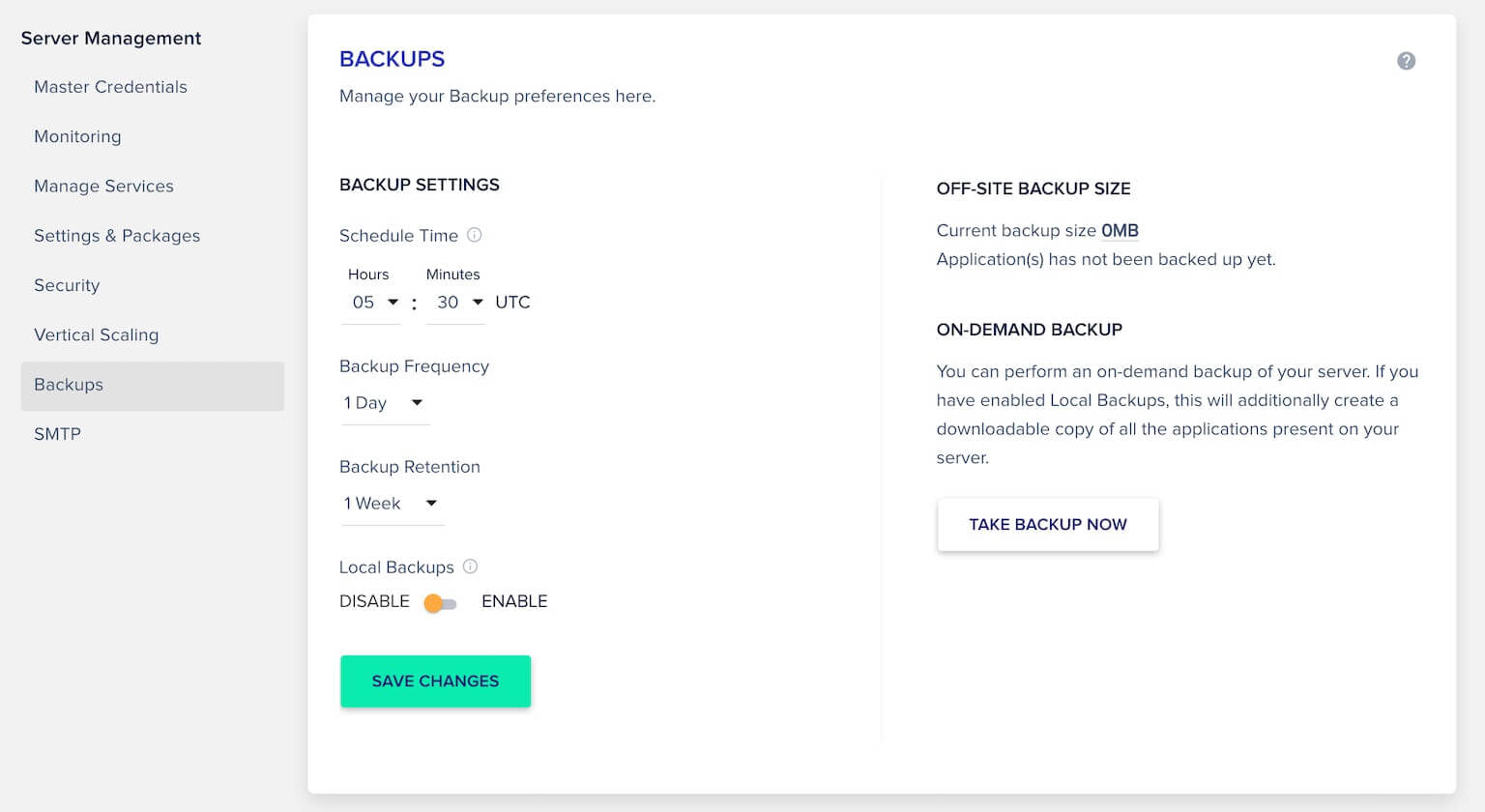
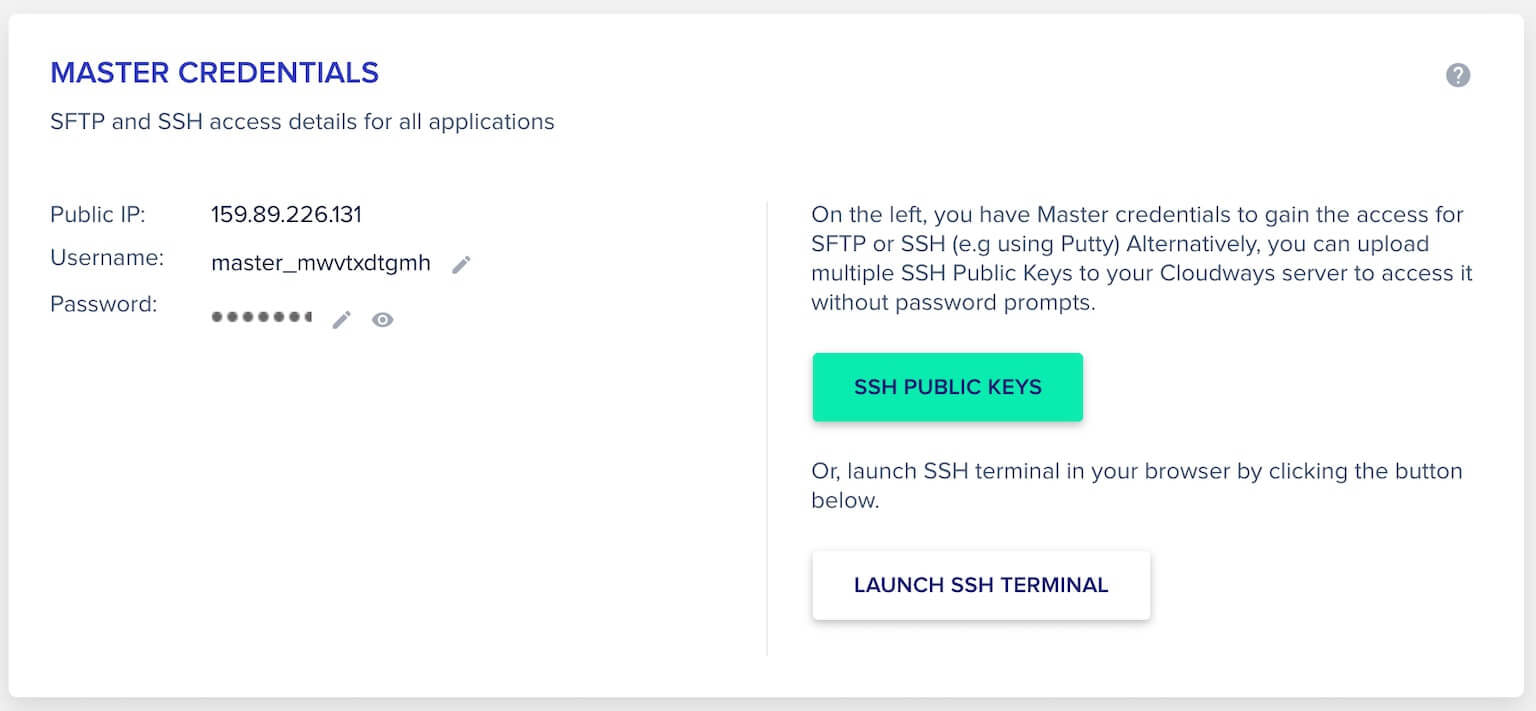
The server dashboard lets you upload SSH keys, monitor performance, manage services (Apache, MySQL, Redis), configure backups, and scale resources.
Application Management
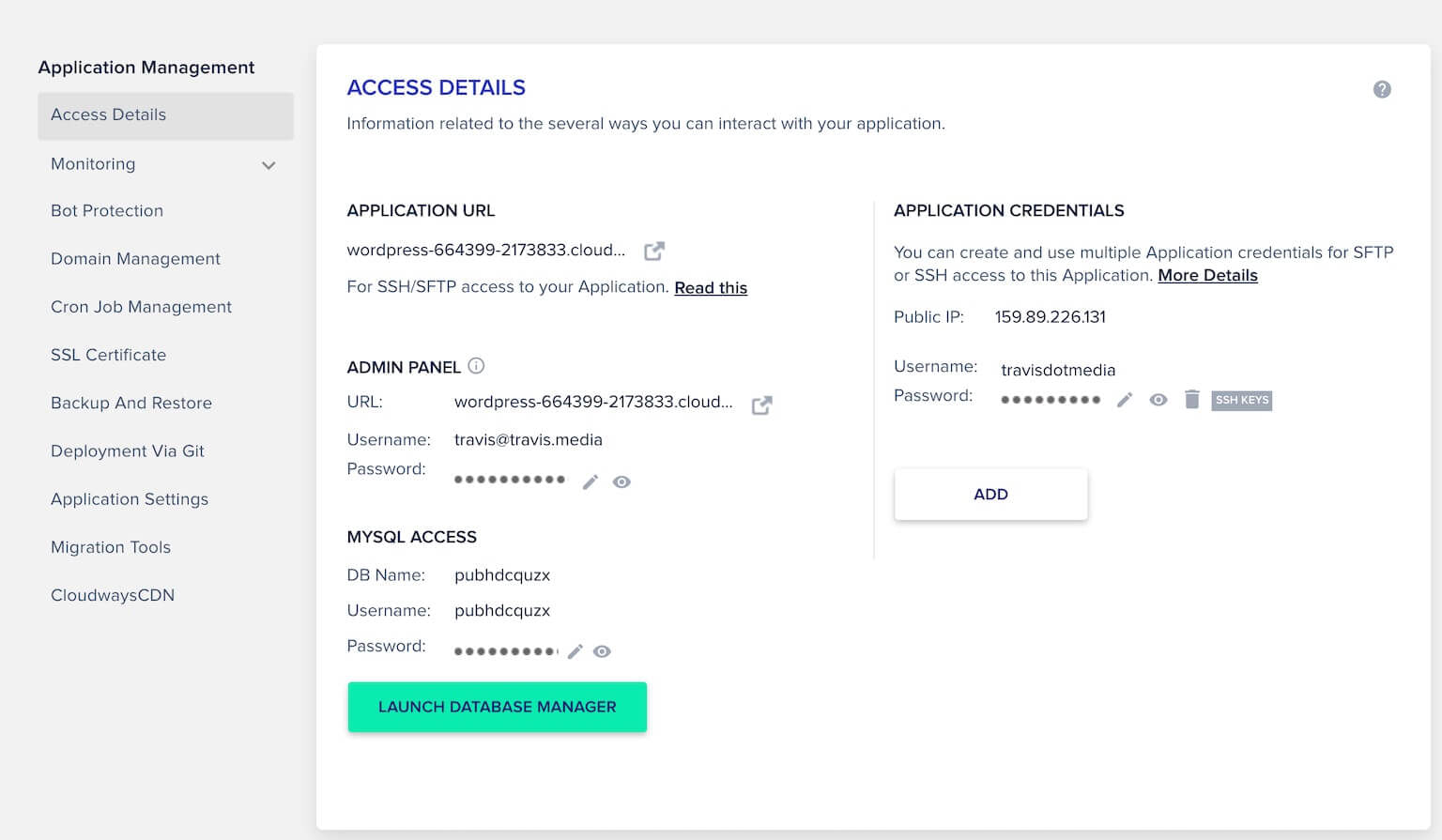
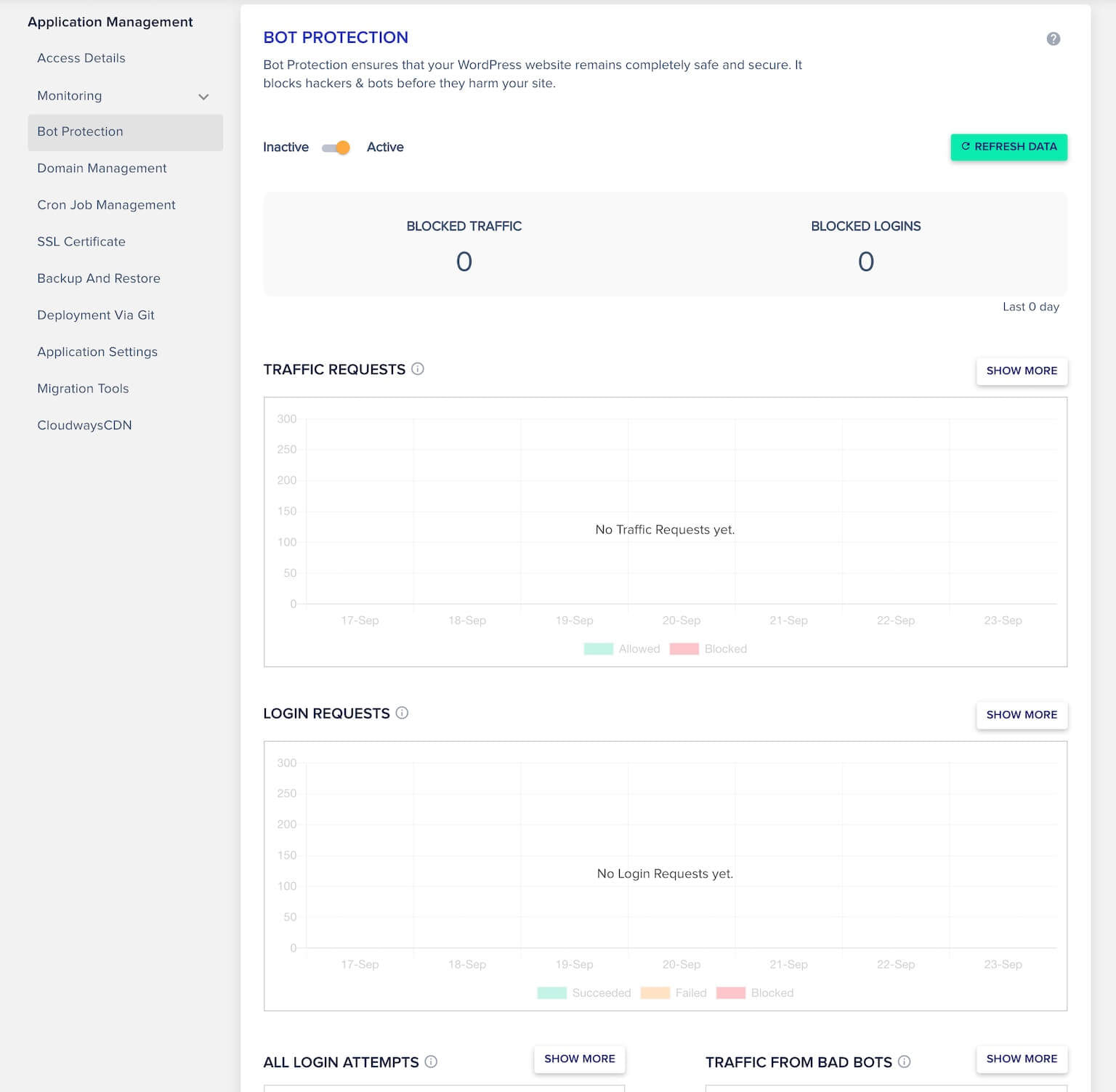
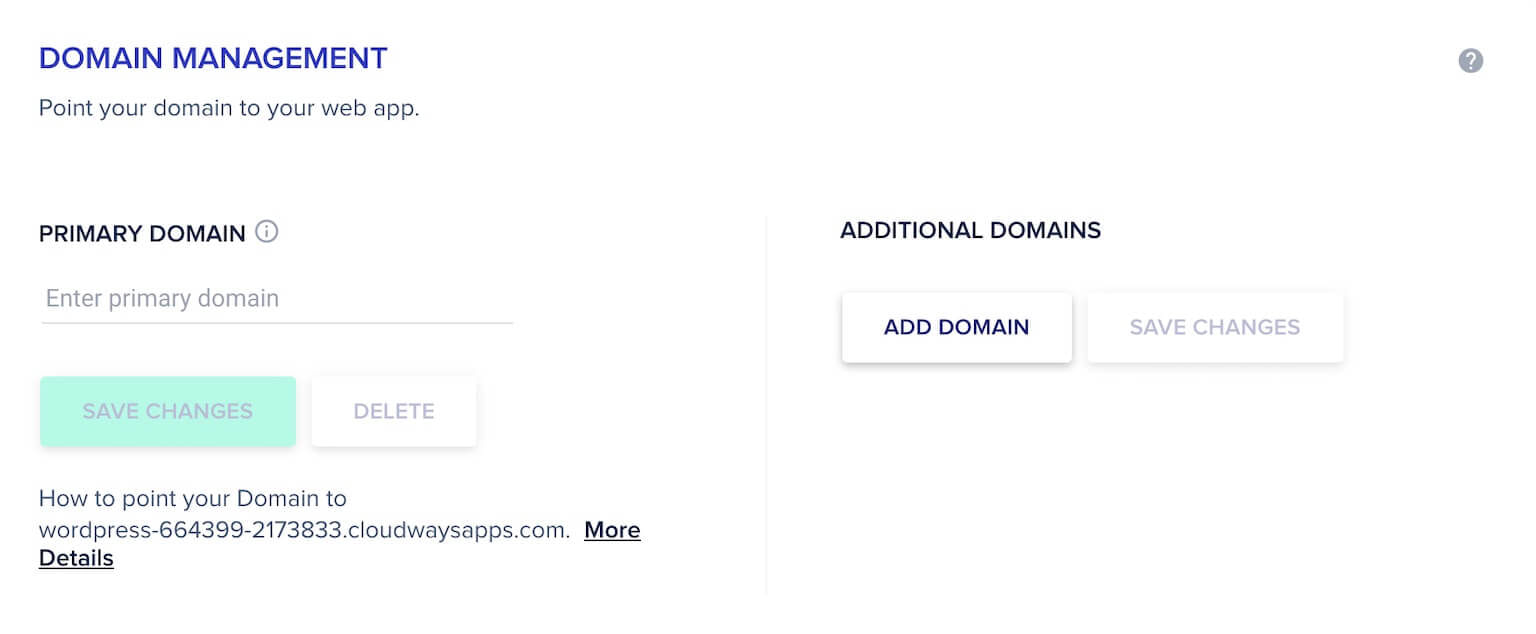
Under Applications, manage WordPress credentials, logs, domain settings, SSL, CDN, bot protection, cron jobs, and Git deployments.

Check Your WordPress Site
Click the application URL to view your WordPress site running on Cloudways with the default Twenty Twenty-One theme and Cloudways optimizations.
The Benefits of Cloudways
- Speed: SSD infrastructure, PHP7+, multiple caching layers, and optional CDN.
- Scalability: Easily increase server size and storage with a click.
- Management: 24/7 live chat support, automatic backups, and security patches.
- Control: Full access to server files and advanced settings.
- Security: Free SSL, dedicated firewalls, bot protection, and two-factor authentication.
Get Started with Cloudways
Signup for a free trial, explore the platform, and upgrade to enjoy managed WordPress hosting with a free migration option.